● No ads on your home screenReal refraction shader

Your Android home screen, made of liquid glass

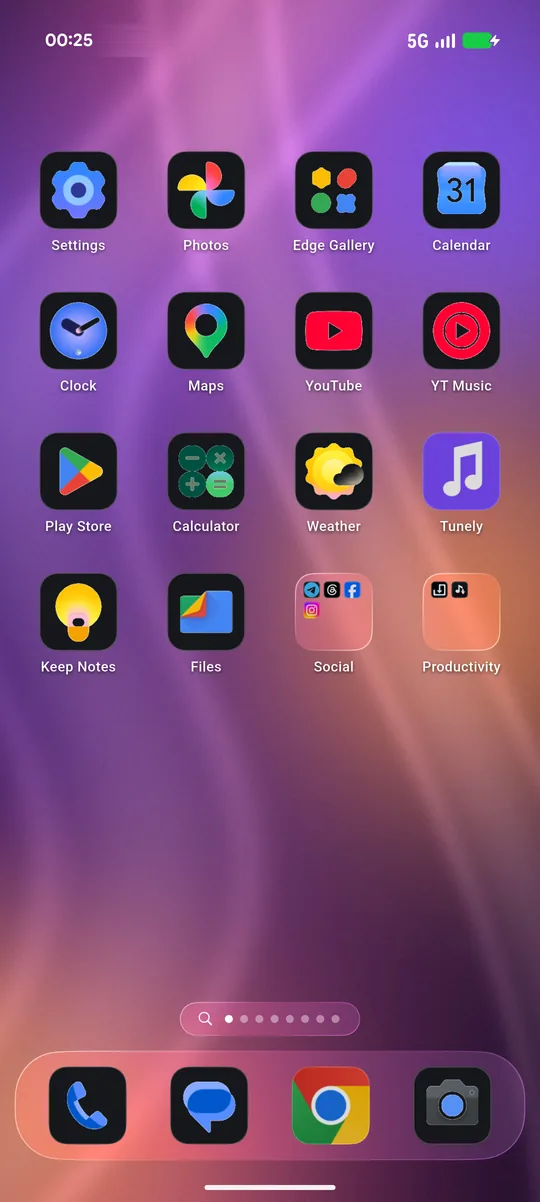
Liquid Glass Launcher OS 27 draws the dock, folders, widgets, search and Control Center with real refraction, so the glass bends and shines over your wallpaper instead of just blurring it.

Free downloadNo accountNo accessibility service
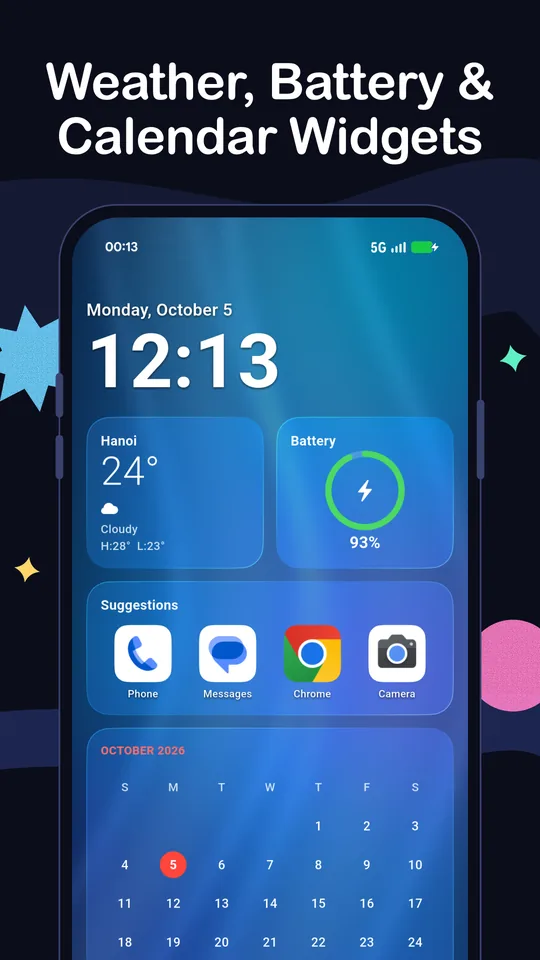
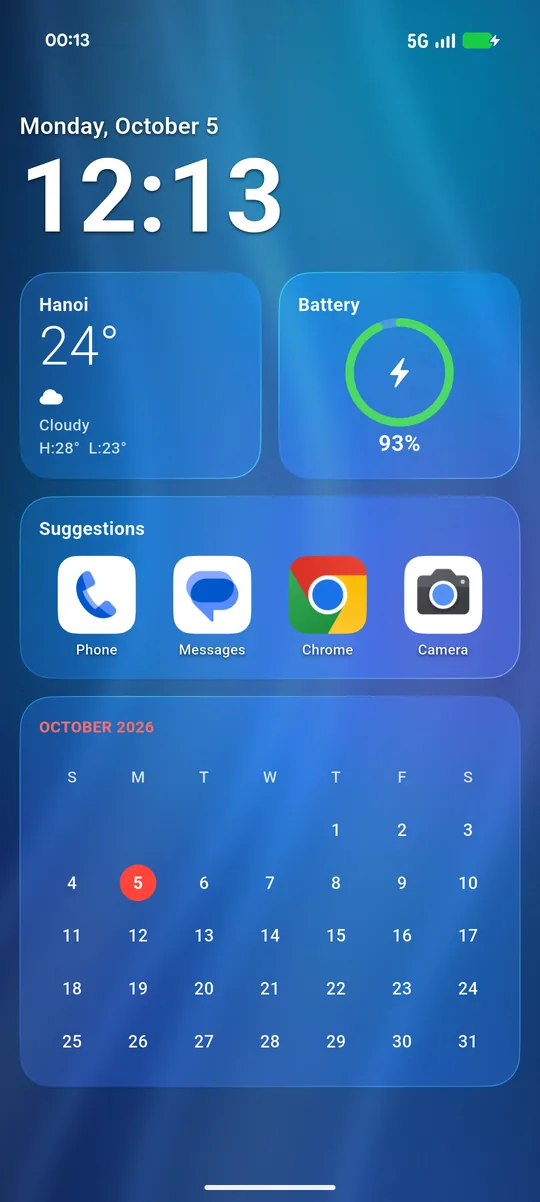
Today page with weather, battery and calendar widgets
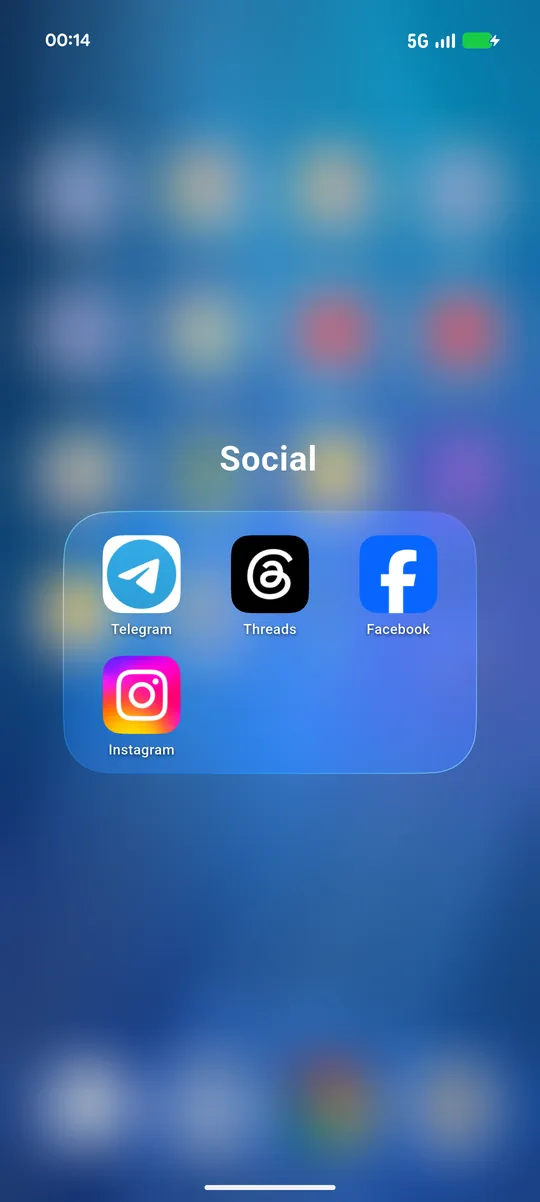
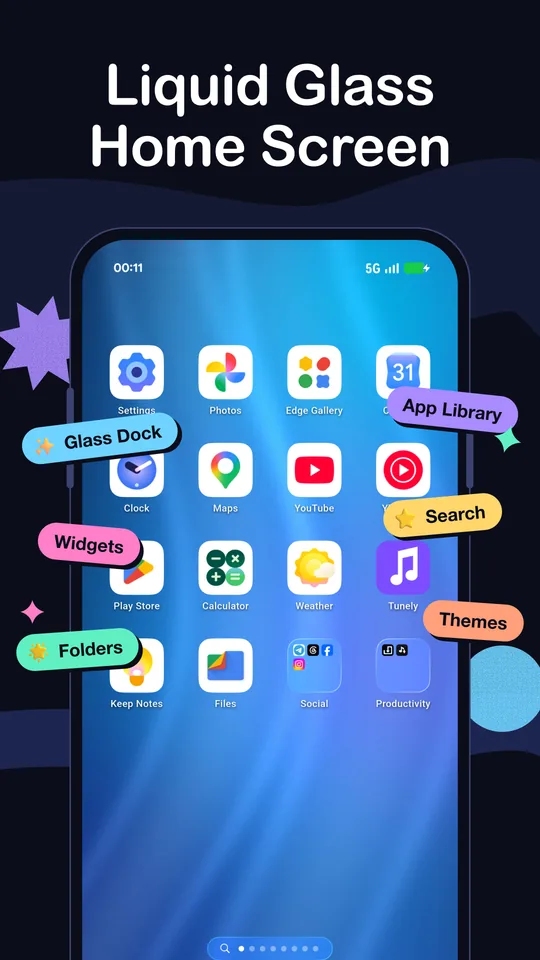
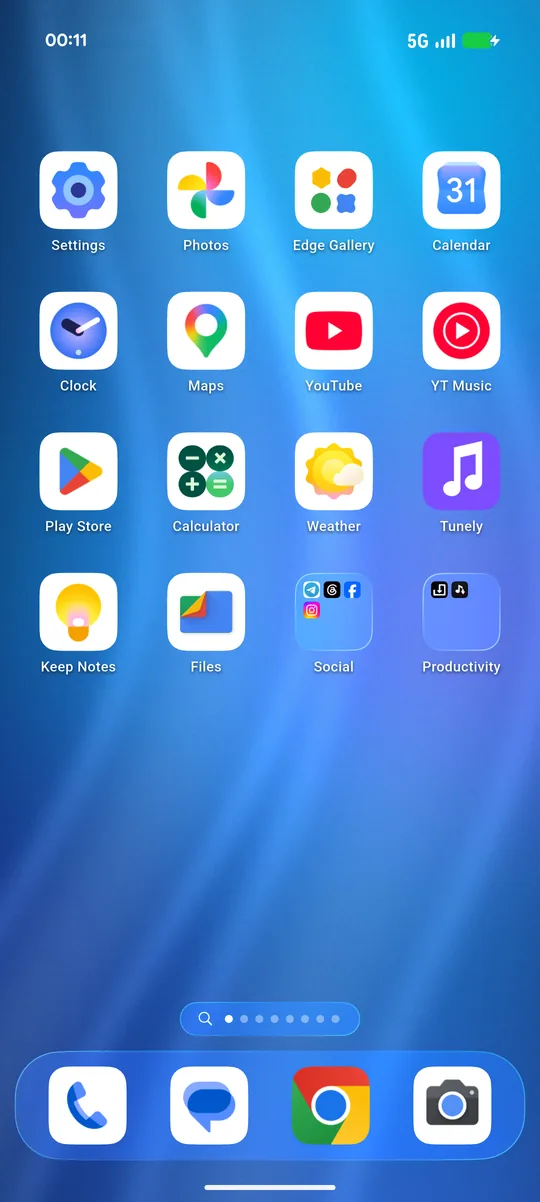
Liquid glass home screen with glass dock and folders
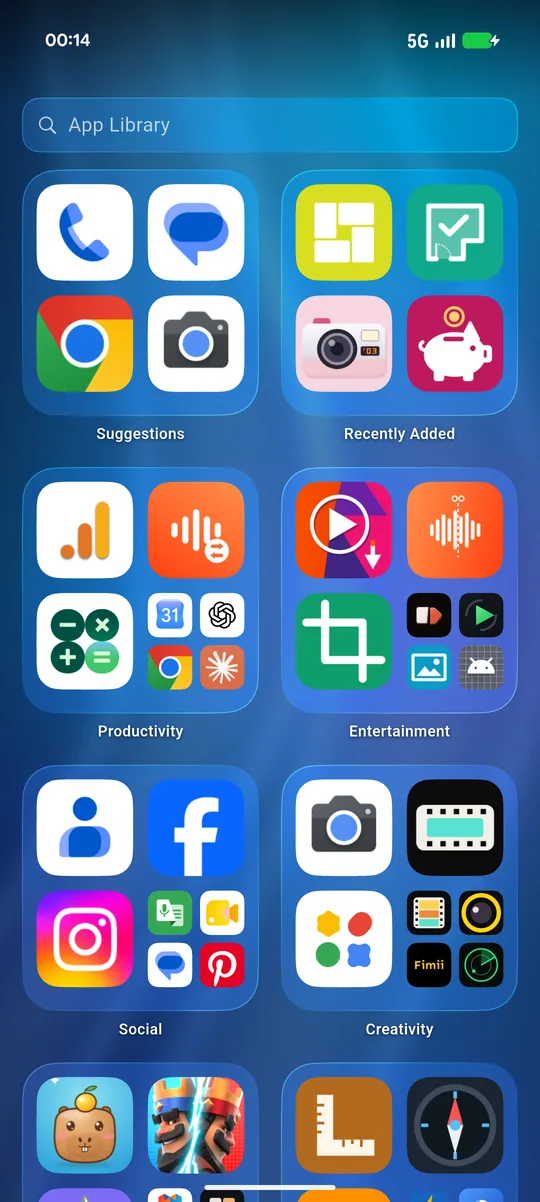
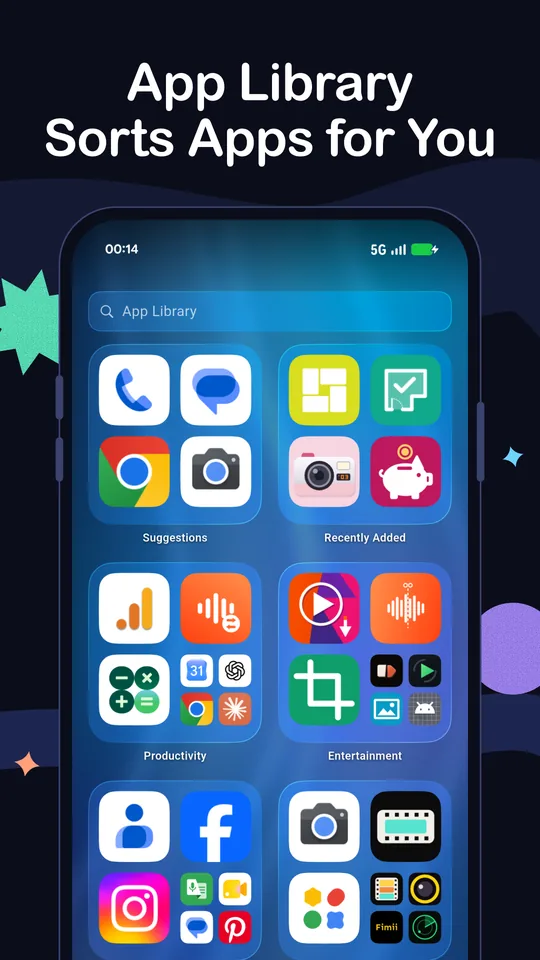
App Library with apps sorted into categories
✨ Glass dock App Library Widgets Control Center
0ads on your home screen
4 / 5grid columns
1app, no companion installs
100%of your app list stays on your phone
Features

Everything you expect from a modern home screen

Widgets, an App Library, fast search and Control Center, all drawn in fluid glass.

01

Real liquid glass dock & folders

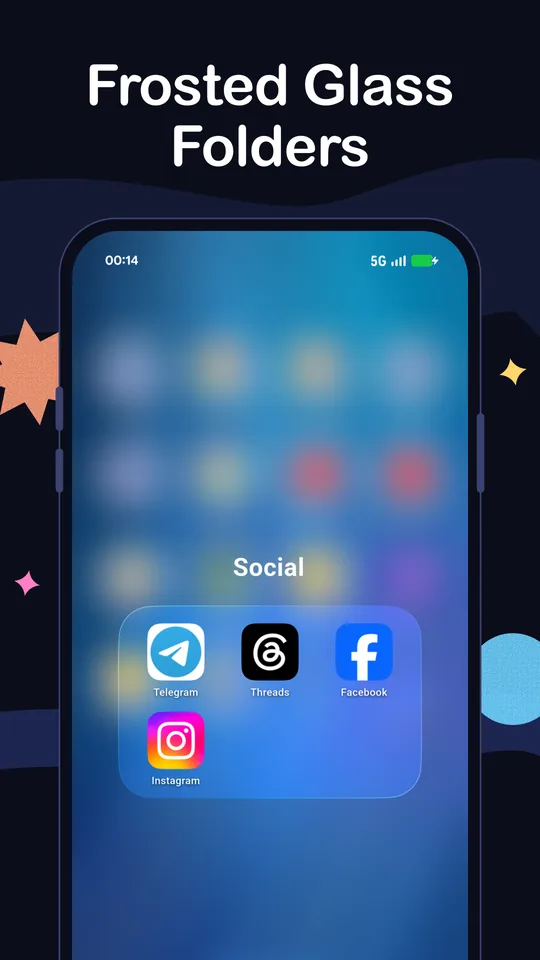
The dock, folders and page dots refract the wallpaper behind them. Drop one app on another to make a folder.

02

Today page widgets

Swipe right for a big clock, weather for your city, a battery ring, the calendar and app suggestions.

03

App Library, auto-categorised

Every app sorted into Suggestions, Recently Added, Social, Productivity, Entertainment and more, plus an A–Z list.

04

Fast search

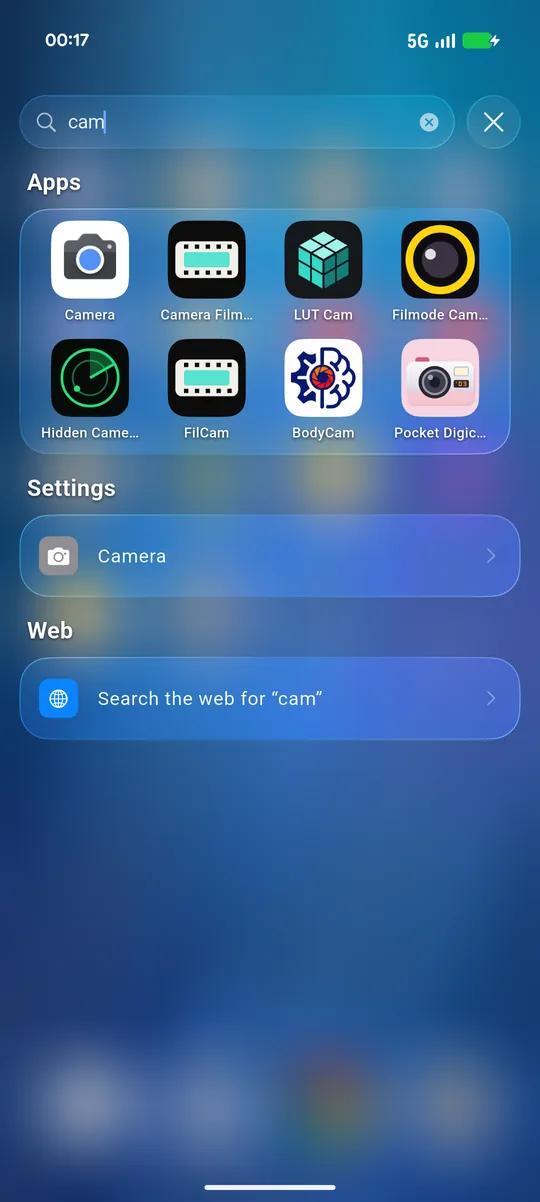
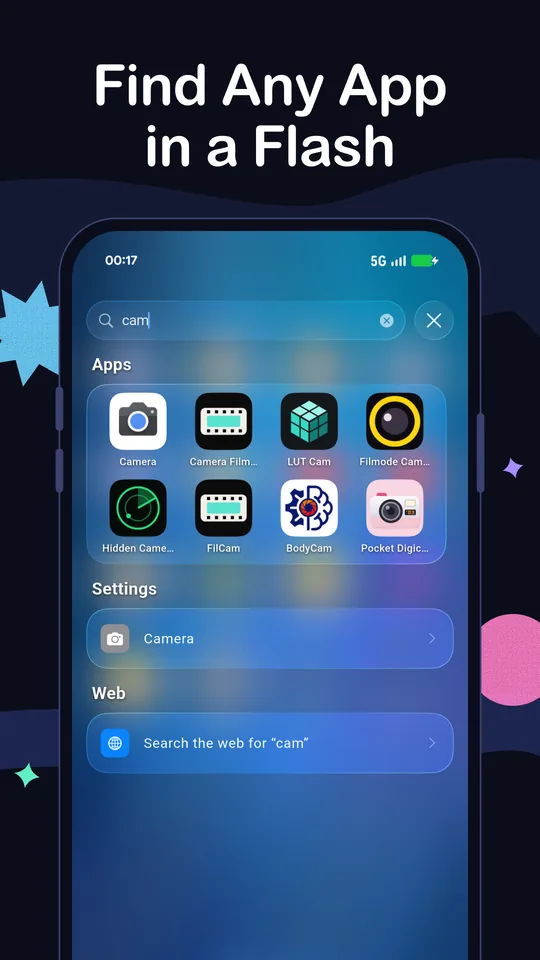
Pull down anywhere to search apps, settings shortcuts and the web. Typos still find the right app.

05

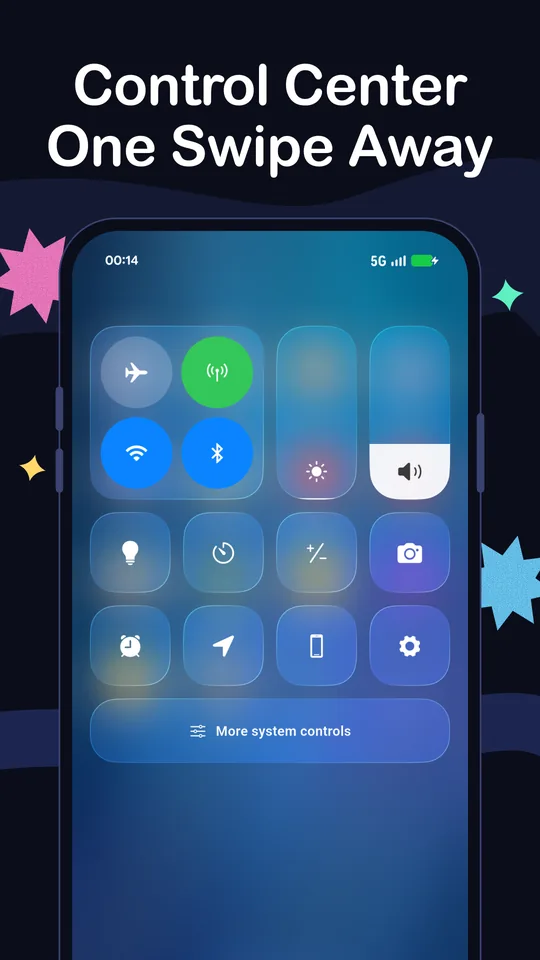
Control Center

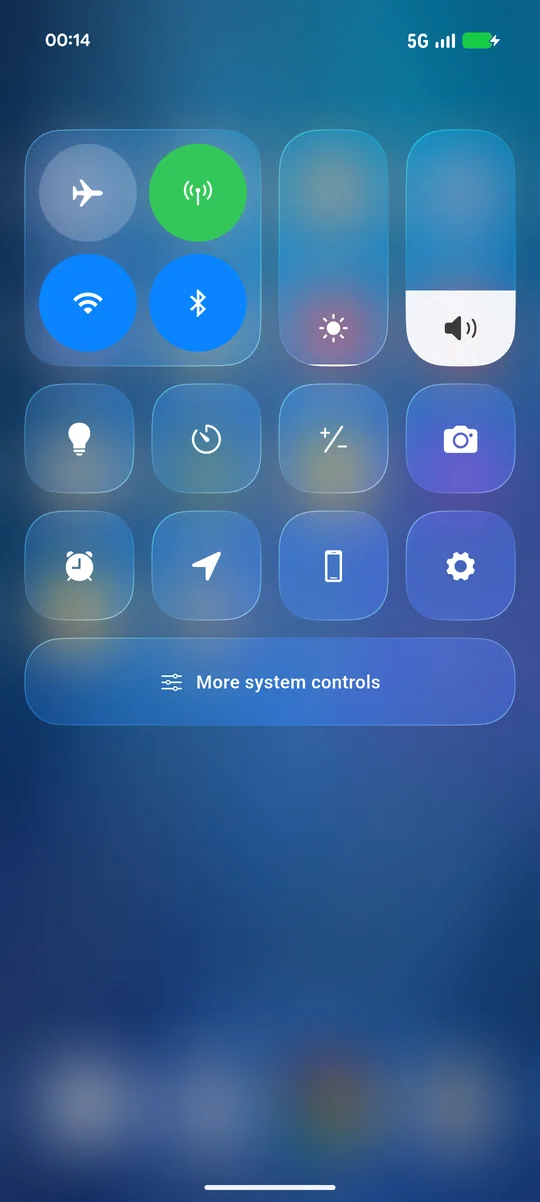
Swipe down from the top-right corner for Wi-Fi, Bluetooth, flashlight, timer, camera, brightness and volume.

06

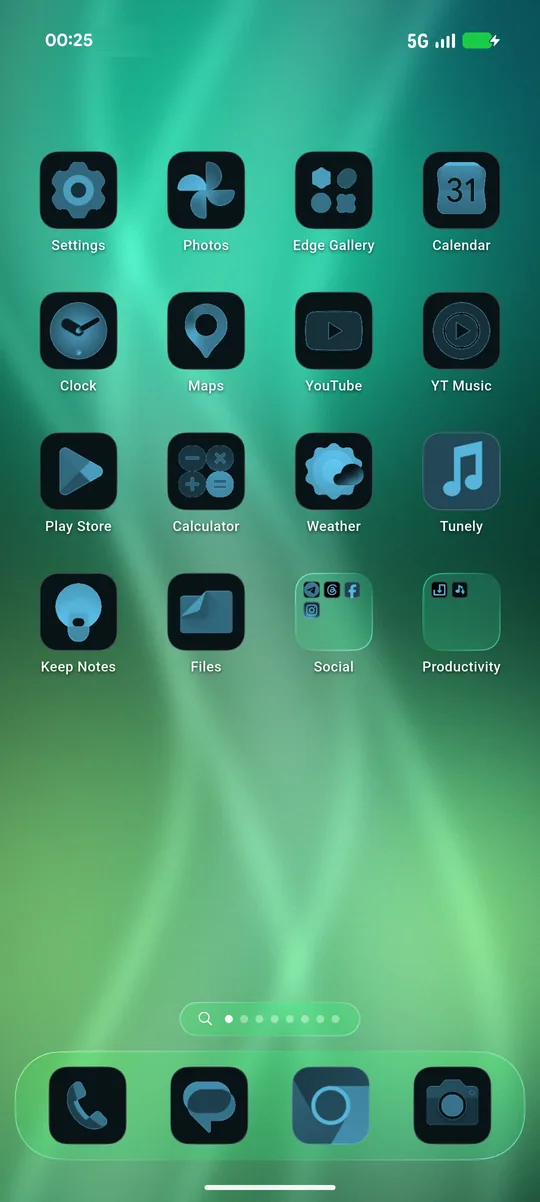
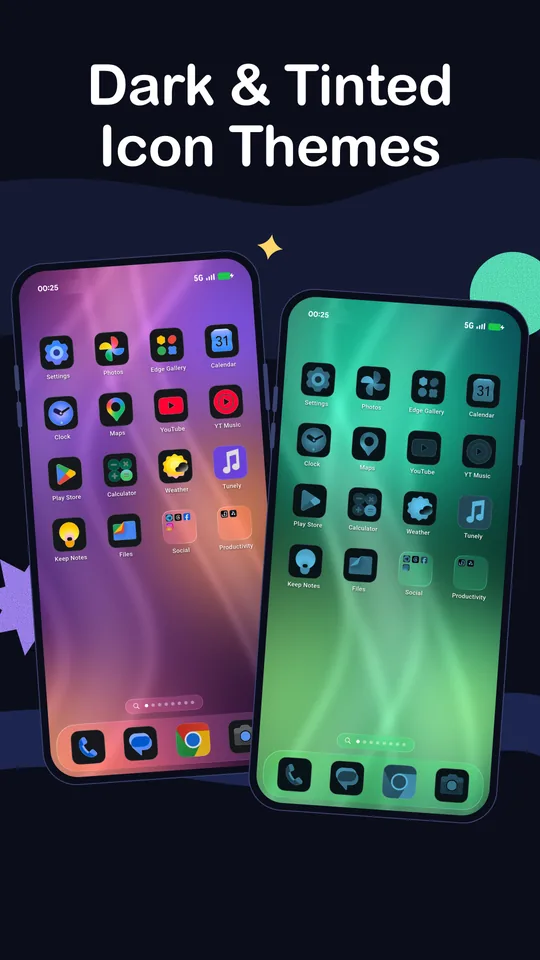
Dark & tinted icon themesPRO

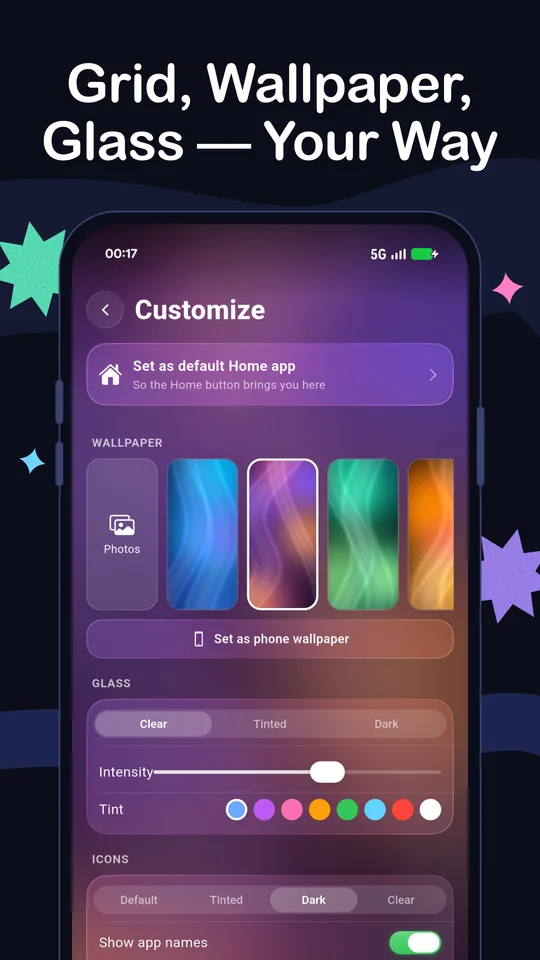
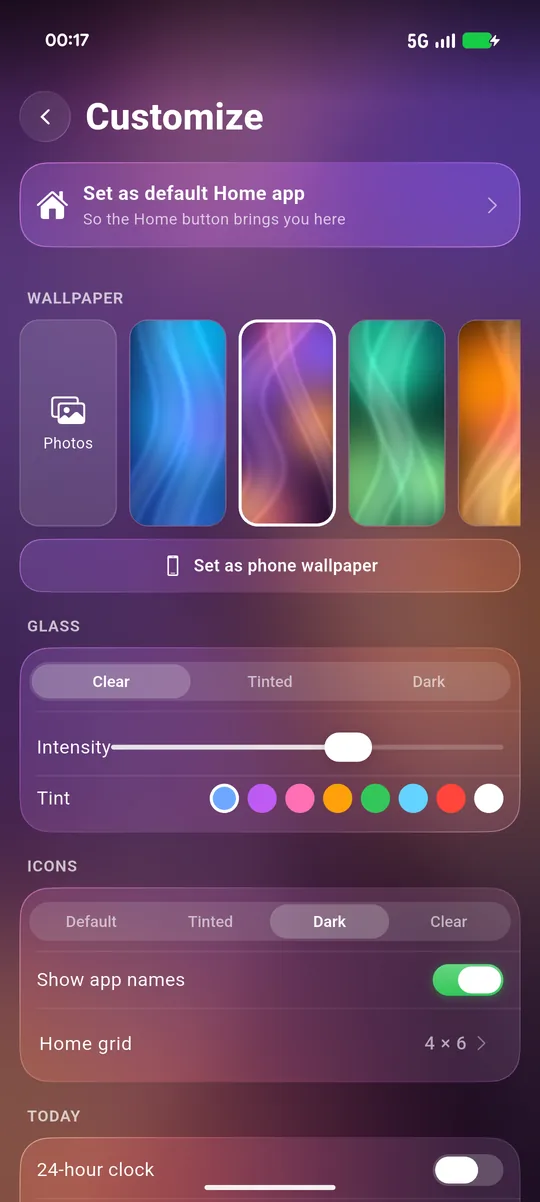
Switch icon styles between Default, Tinted, Dark and Clear, and pick Clear, Tinted or Dark glass with an intensity slider and tint colours.

07

Wallpapers made for glass

Fluid OS 27 style wallpapers, plus premium ones and your own photo with Pro.

08

4 or 5 column gridPRO 5

Four columns by default. Fit more apps on each page with five.

4 × 6
5 × 6
09

Hide apps

Keep apps off your home pages and the App Library without uninstalling them. Free for everyone.

Banking
Gallery vault
Work chat
10

Multiple pages

Add as many home pages as you need. Long-press to drag apps between pages. Your layout survives updates and restarts.

0 ads
11

No ads on your home screen. Ever.

Not on the home pages, not in search, not in the App Library. There is no ads SDK in the app at all.
Screenshots

See it on a real phone

Swipe through the home screen, widgets, App Library, Control Center and more.

Liquid glass home screen
Today page widgets
App Library
Control Center
Icon and glass themes
Glass folder
Fast search
Customize settings
Setup

How to set it as your default home

It takes less than a minute, and you can switch back any time.

1

Install from Google Play

Download Liquid Glass Launcher OS 27 and open it.

2

Follow the 3 quick steps

Pick your glass look and wallpaper. The app then asks to become your Home app.

3

Choose Liquid Glass Launcher

In the Android prompt, select Liquid Glass Launcher and set it as default. Press Home and you are there.

4

Missed the prompt?

Open the app's settings and tap Set as default Home app, or go to Settings › Apps › Default apps › Home app. The same place lets you switch back.

Customize screen with the Set as default Home app button
Pro

Free to use. Pro when you want more style.

The full launcher is free. Pro unlocks extra looks and customisation.

Free, for everyone

  • Liquid glass dock, folders and page dots
  • Today page widgets
  • App Library and fast search
  • Control Center
  • Hide apps and multiple pages
  • 4-column grid and free wallpapers
  • No ads on your home screen

Pro unlocks

  • Glass styles (Tinted, Dark) and glass intensity
  • Glass tint colours
  • Icon styles: Tinted, Dark and Clear
  • 5-column grid
  • Premium wallpapers
  • Your own photo as wallpaper

Monthly

$2.99 /month

Cancel anytime

Get Pro
Best value · 3-day free trial

Yearly

$9.99 /year

3 days free, then $9.99 a year. Save 72% vs monthly.

Start free trial

Lifetime

$14.99 /once

Pay once, keep Pro forever

Buy once

Prices in USD and may vary by country. Purchases are made in the app through Google Play. Subscriptions renew automatically until cancelled in Google Play › Payments & subscriptions.

FAQ

Frequently asked questions

Is it free?

Yes. The launcher, widgets, App Library, search, Control Center, hiding apps and extra pages are all free. Pro is optional and only adds extra styles and customisation.

Are there ads?

No. There are no ads on your home screen, in search or in the App Library, and the app contains no ads SDK.

Is this made by Apple, or is it iOS?

No. Liquid Glass Launcher is an independent Android app by FightTech VN. "OS 27" describes the visual style only. We are not affiliated with, endorsed by or sponsored by Apple Inc.

How do I go back to my old launcher?

Go to Settings › Apps › Default apps › Home app and pick your previous launcher, or simply uninstall Liquid Glass Launcher.

Does it need accessibility or overlay permissions?

No. It does not use an accessibility service or draw over other apps. Control Center asks for "Modify system settings" only to change things like brightness, and uses the status bar permission only to open the notification shade.

Why does weather ask for a city instead of my location?

We don't use GPS. You type a city name, and only that name is sent to Open-Meteo to look up the forecast.

Will I lose my layout after an update?

No. Your layout is saved per app on your phone, so it survives updates and restarts.

How do I cancel or restore Pro?

Manage subscriptions in Google Play › Payments & subscriptions. On a new phone, sign in with the same Google account and tap Restore purchases in the app's settings.

Give your phone a liquid glass makeover

Free on Google Play. No account, no ads on your home.

Get it onGoogle Play